
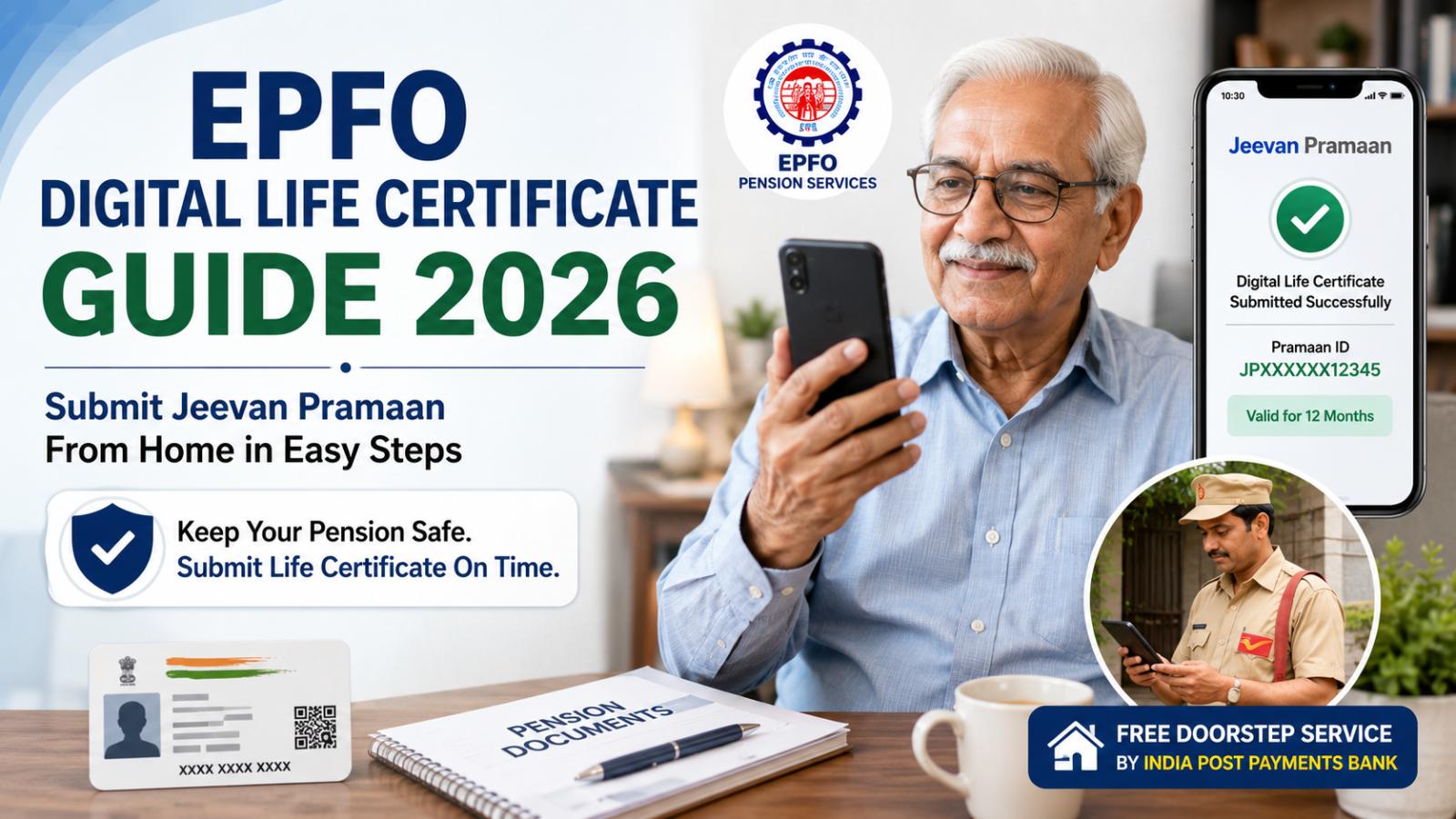
EPFO Pension Not Credited? Submit Jeevan Pramaan From Home
An expired Digital Life Certificate can interrupt an EPS pension after 12 months. Pensioners can check their Jeevan Pramaan status, generate a fresh certificate through face authentication, or request IPPB doorstep assistance without visiting an EPFO office.An EPFO pension stopped due to life certificate expiry can create considerable worry for pensioners who depend on monthly payments. Under the Employees’ Pension Scheme, pension may be stopped after 12 months if a pensioner fails to submit a fresh Life Certificate following the previous submission or pension sanction.
A stopped payment does not automatically mean that the pension account has been closed. Pensioners should first check whether their Digital Life Certificate, also known as Jeevan Pramaan, is still valid before contacting their bank or the Employees’ Provident Fund Organisation.
Why an EPFO Pension May Stop
EPS pensioners are required to provide proof that they are alive and eligible to continue receiving pension benefits. A Life Certificate performs this verification.
According to EPFO, failure to submit the certificate after the prescribed 12-month period can result in pension payments being stopped. Pensioners are therefore advised to generate a fresh certificate before the existing one expires.
However, an expired certificate is not the only possible reason for a missing pension payment. Incorrect bank details, problems with the Pension Payment Order, incomplete Aadhaar information, or processing delays may also need to be checked.
What Is a Digital Life Certificate?
Jeevan Pramaan is an Aadhaar-based biometric Digital Life Certificate available to eligible pensioners. It allows a pensioner to establish proof of life electronically instead of physically visiting a bank, post office, or pension-disbursing office.
Once successfully generated, the certificate is made available electronically to the pension-disbursing authority. Pensioners normally do not need to submit a printed copy separately.
For EPS pensioners, the certificate remains valid for 12 months. EPFO’s doorstep-service procedure says a certificate generated when it is due or within 30 days of its due date is valid for another 12 months after approval.
How to Check EPFO Life Certificate Status
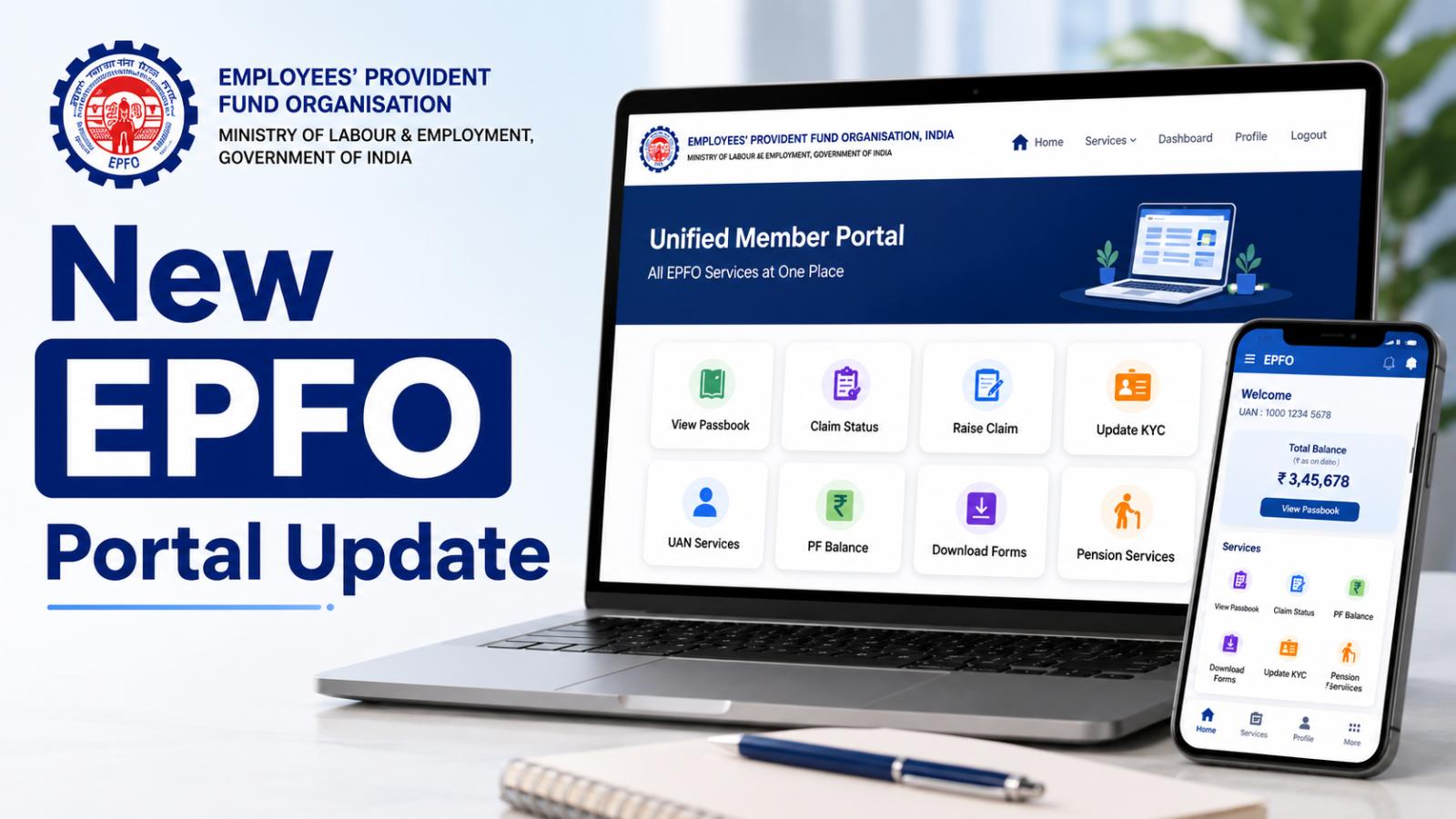
Pensioners can visit EPFO’s Pensioners’ Portal and select the Jeevan Pramaan Enquiry option. The portal asks for the Jeevan Pramaan ID shown on the Digital Life Certificate.
The portal also provides options to check the PPO number, pension payment enquiry, pension status, and pension-paying bank. EPFO pension-related assistance is available through the helpline number 14470.
Pensioners can also use their Pramaan ID to sign in to the Jeevan Pramaan portal, receive an OTP, and download a PDF copy of the certificate. The downloaded certificate can show whether it has been accepted or rejected.
How to Submit an EPFO Life Certificate From Home
Pensioners with a compatible smartphone can generate the certificate using face authentication.
Step 1: Install the Required Applications
Download and install the AadhaarFaceRD app and the Jeevan Pramaan Face App from the official application store.
The official Jeevan Pramaan portal currently requires Android 9 or later for Android devices and iOS 14 or later for Apple devices. The phone must not be rooted or jailbroken.
Step 2: Start the Jeevan Pramaan Service
Open the Jeevan Pramaan Face App. Pensioners may also access available Jeevan Pramaan services through the UMANG platform.
Select the option to generate a new Digital Life Certificate using Aadhaar face authentication.
Step 3: Complete Aadhaar Authentication
Enter the Aadhaar number or Virtual ID and the registered mobile number. Complete the OTP verification displayed in the application.
Aadhaar or VID is mandatory for generating Jeevan Pramaan.
Step 4: Enter Pension Details
Provide the pensioner’s name, PPO number, pension account number, bank details, Pension Sanctioning Authority and Pension Disbursing Authority.
All details must be entered correctly. Differences in the pensioner’s name, date of birth, PPO number or bank information can result in the certificate being rejected.
Step 5: Complete Face Authentication
Allow the AadhaarFaceRD application to use the phone’s camera. Follow the instructions displayed on the screen and scan the pensioner’s face in adequate lighting.
The face-authentication method does not require a separate fingerprint or iris-scanning device because it uses the smartphone camera.
Step 6: Save the Pramaan ID
After successful submission, a Pramaan ID is generated and sent to the pensioner’s registered mobile number. Save this number because it is required to download the certificate and check its status.
Generation of a Pramaan ID does not by itself guarantee final acceptance. The information remains subject to verification by the pension-sanctioning or pension-disbursing authority.
Free IPPB Doorstep Service for EPS Pensioners
EPS pensioners who cannot complete the online process themselves can request doorstep assistance through India Post Payments Bank.
Under the EPFO–IPPB arrangement, a postman or Dak Sevak visits the pensioner, verifies the PPO and Aadhaar details and generates the certificate using face or other biometric authentication. EPFO bears the cost of successful certificates, and the postman must not collect payment from the pensioner.
Pensioners can contact IPPB on 155299 or approach their nearest post office to ask about doorstep service availability. IPPB currently lists nil doorstep-banking charges until further notice.
What to Do If Jeevan Pramaan Is Rejected
A certificate may be rejected when incorrect pension or personal information is entered. Pensioners should check the downloaded certificate, contact their pension-disbursing bank or agency, and generate a new certificate using the correct details.
Pensioners who are re-employed or remarried may not be eligible to use the regular Jeevan Pramaan digital facility and may have to submit the required certificate through the conventional process.
After submitting a fresh certificate, pensioners should continue checking their pension status. If the payment remains stopped despite certificate approval, they should contact their pension-paying bank, the concerned EPFO regional office, or EPFO’s pension helpline.