
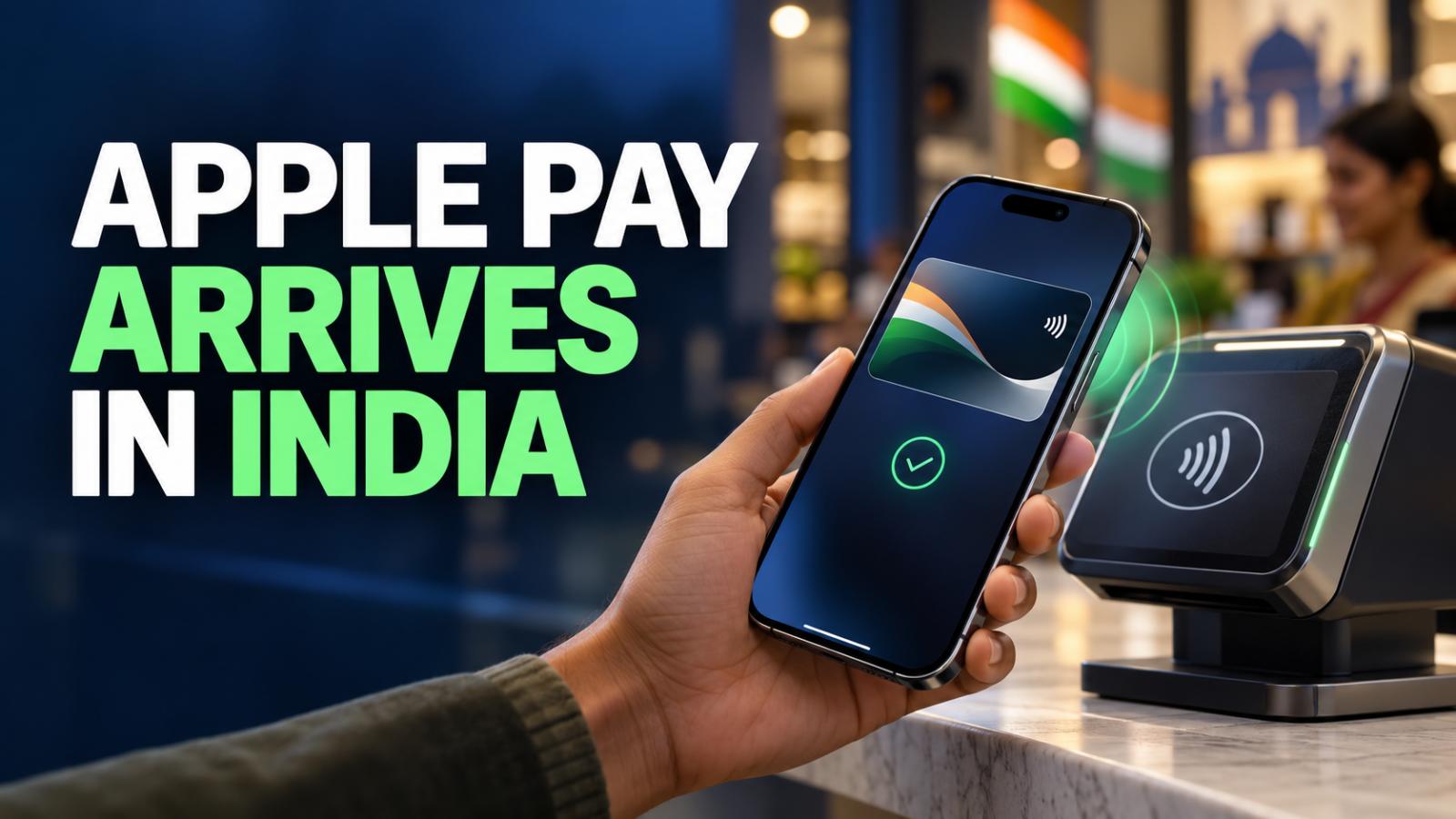
Apple Pay launched in India on September 30, 2026, bringing Apple’s payment service to eligible cardholders. At launch, it supports Axis Bank-issued Visa and Mastercard credit cards, with access across iPhone, iPad and Apple Watch. Apple has announced that Mac support will follow.
The launch gives supported users another way to pay at participating stores, in apps and online. The initial rollout is limited to eligible Axis Bank credit cards, so users should check their card’s eligibility before attempting setup.
Apple Pay Eligibility and Device Requirements
According to the launch details, users need an iPhone XR or later running iOS 18 or newer. Apple Watch support requires Series 6 or later with watchOS 11 or newer, paired with a compatible iPhone. Having a supported device is only part of the requirement: an eligible card must also be added successfully before payments can begin. Users should keep their device software and banking app updated and complete the verification requested during registration.
How to Set Up Apple Pay and Make Payments
To get started, open the Wallet app on your iPhone, tap the plus symbol and follow the instructions to add your eligible credit card. The latest Axis Bank app also provides an option to add a card to Apple Wallet.
For an in-store purchase, activate Apple Pay and authenticate when prompted, then bring your device close to the contactless terminal. In supported apps and websites, choose Apple Pay at checkout and follow the on-screen instructions to authorise payment.
The experience reduces the need to enter payment information repeatedly. Device authentication remains an essential part of approving purchases, even when a separate checkout PIN or OTP is unnecessary.
Cardholders can continue receiving the rewards and benefits attached to their cards. Apple’s launch announcement names participating merchants including Apple Store locations, Blinkit, Croma, Ixigo, Tata 1mg and Zomato. Acceptance depends on the merchant offering a supported payment option. For users trying the service for the first time, the key steps are straightforward: confirm device compatibility, add an eligible card and look for Apple Pay or contactless acceptance when paying.