

- 08 May 2026
- 17 posts
Here’s a step-by-step guide on how to update your Aadhaar details:
1.Check the Eligibility for Update
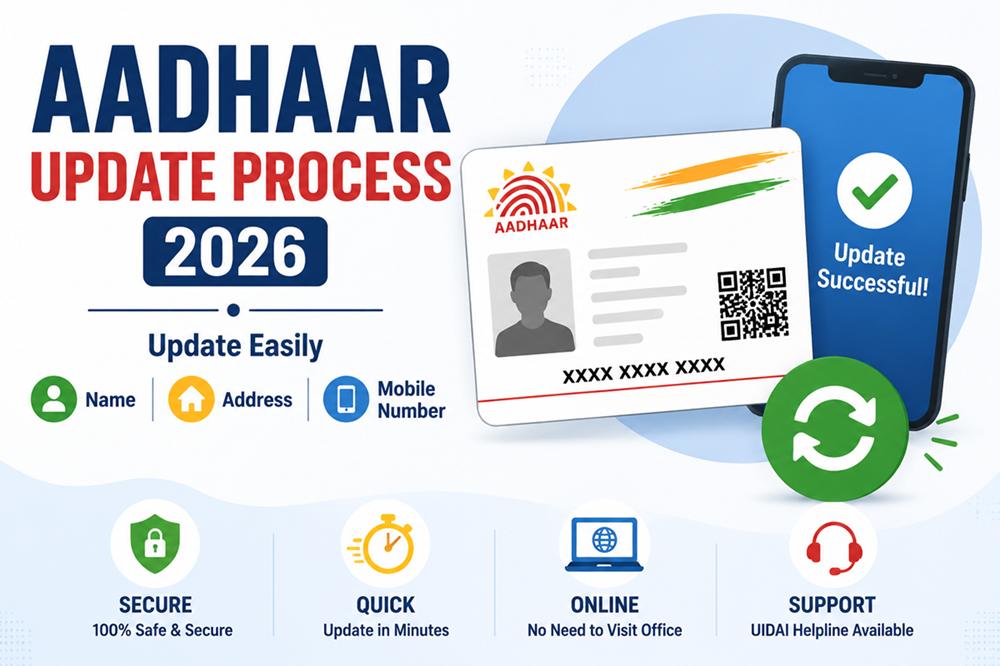
Before initiating any update, ensure that the information you want to modify is eligible for an update. You can update:
- Name: Only if there is a spelling mistake or if your legal name changes.
- Address: If you have moved to a new residence.
- Mobile Number: If you've changed your contact number or want to update your registered mobile number.
UIDAI has made the process of updating Aadhaar details simpler by allowing updates online. Here’s how to do it:
a.Visit the Official UIDAI Website -
Go to the official website of UIDAI: [https://uidai.gov.in](https://uidai.gov.in).
b.Log in to the Aadhaar Self-Service Update Portal (SSUP)
On the homepage, click on“Update Aadhaar Details (Online)”. This will take you to the Aadhaar Self-Service Update Portal (SSUP).
Enter yourAadhaar Number and thecaptcha code displayed on the page. Click on“Send OTP”.
c.Enter OTP
An OTP (One-Time Password) will be sent to your registered mobile number.
Enter the OTP to authenticate and log in.
d.Select the Details to Update
Choose the details you want to update (name, address, mobile number).
ForName and Address updates, you will need to provide supporting documents (e.g., address proof, government-issued documents for name change).
e.Submit Documents
For address changes, upload proof of residence documents like electricity bills, bank statements, or government-issued documents.
For name changes, you’ll need a legal document like a marriage certificate, court order, or gazette notification.
If updating the mobile number, simply follow the instructions on the portal to verify and update your new number.
f.Preview and Submit the Request
After entering the details, preview them to ensure accuracy.
Submit the request for update. You will receive anUpdate Request Number (URN) to track the progress.
3.Offline Update Process
If you prefer an offline process or cannot update details online, you can visit your nearestAadhaar Enrollment Centre to update your details.
Steps for Offline Update:
- Visit the nearestAadhaar Enrollment Centre with your Aadhaar number and the necessary documents.
- Fill out theAadhaar Update/Correction Form available at the centre.
- Submit the form along with the required documents.
- The update request will be processed, and you will receive an acknowledgment receipt.
- Proof of Identity (PoI): For name changes.
- Proof of Address (PoA): For address updates.
- Proof of Mobile Number: In case of updating your mobile number, a photo ID and mobile number proof will be needed.
Once your update request is submitted (either online or offline), you can check the status of your Aadhaar update:
- Go to the UIDAI website and enter yourURN to track the status.
- You can also check the status by sending an SMS to51969 with the format:UID STATUS URN.
After the update request is processed and approved, you will receive anupdated Aadhaar letter ore-Aadhaar through email or post (depending on the request). You can also download an updated e-Aadhaar from the official UIDAI website.
Key Points to Remember:
Correct Information: Ensure that all the details you provide are correct, as any discrepancies may lead to delays or rejection of your update request.
Documents: Keep your supporting documents ready for the update process, as they will be required to verify the change.
Processing Time: The update process may take anywhere between a few hours to several days, depending on the type of update and verification requirements.
Conclusion:
With the Aadhaar update process being more accessible and efficient, keeping your information up to date has never been easier. Whether you need to update your name, address, or mobile number, the online and offline methods provided by UIDAI ensure a seamless experience. It’s important to keep your Aadhaar information current, as it is required for various government and private sector services.
User Reviews (0)
No reviews yet!
What is your response?
❤️
Love
0%
👍
Like
0%
👎
Dislike
0%
🤔
Interesting
0%
😂
Funny
0%
😮
Wow
0%
😢
Sad
0%